For iPhone and Mac

Lockabulary locks your screen until you answer a few words.

Lockabulary is a vocabulary app for iPhone and Mac. It blocks your apps on iPhone and locks your screen on Mac until you answer a few words in European Portuguese, Spanish or French.

14 days free. One purchase covers your iPhone and your Mac.

How it works

It stops you at the right moment.

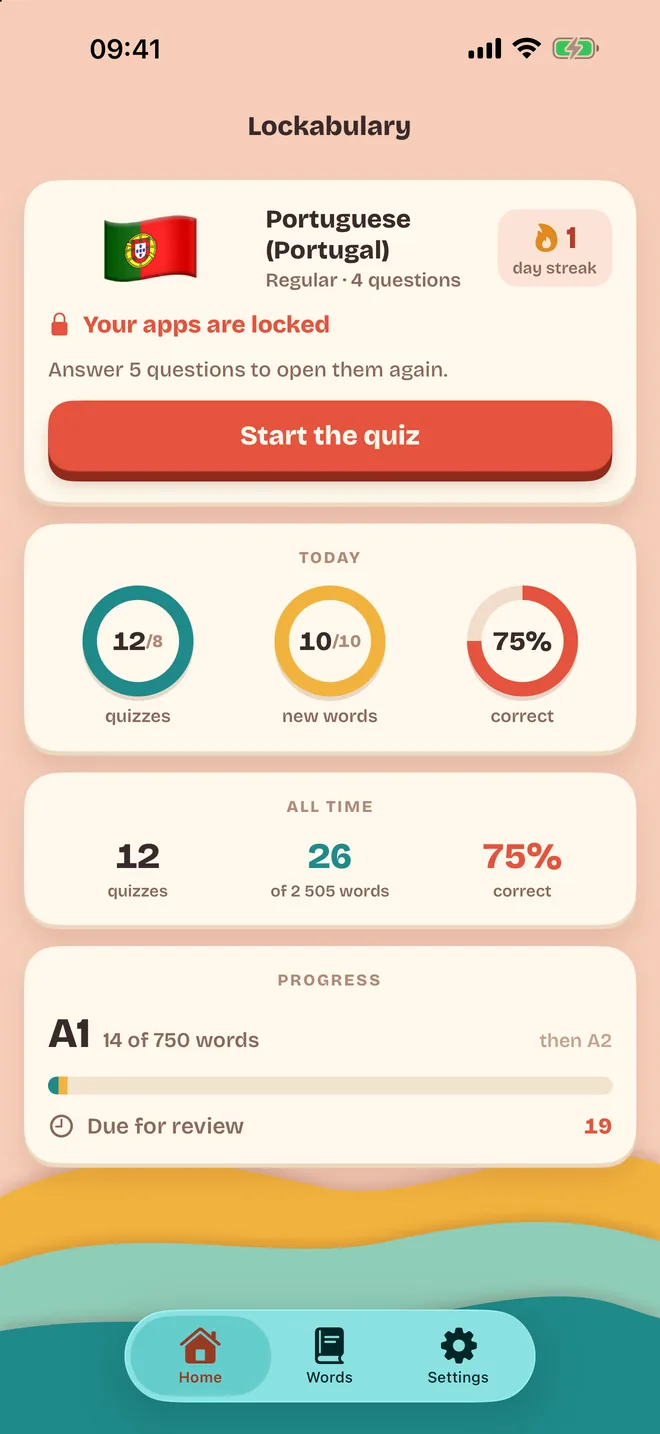
Lockabulary on iPhone: your apps are locked, start the quiz

On iPhone, your apps wait for a few words

  1. Pick the apps that eat your time.
  2. After the minutes you choose in them, Screen Time locks them.
  3. Answer a few questions and you're back in.

Screen Time keeps the list of apps to itself, so Lockabulary never learns which ones they are.

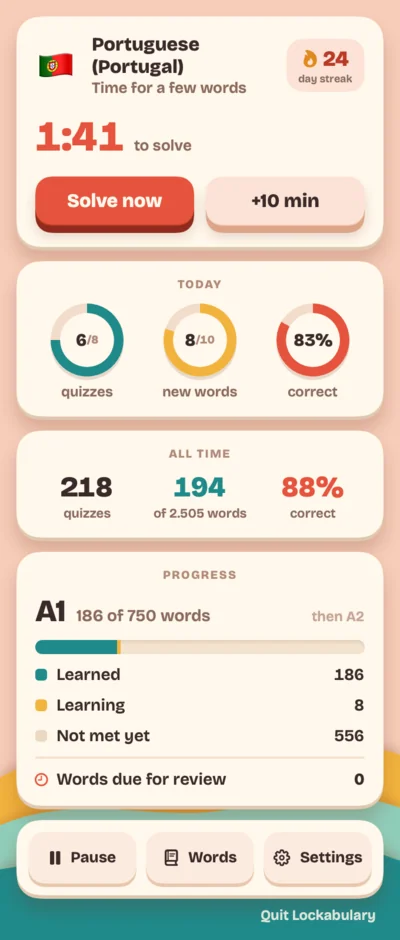
The Lockabulary menu: 1:41 to solve, Solve now, +10 min

On Mac, a menu bar app that locks the screen for a quiz

  1. A countdown in the menu bar gives you two minutes to wrap up.
  2. Then the screen blurs and a short quiz opens, usually under a minute.
  3. Answer, and the screen is yours again.

It waits during calls and in apps you mark, like Keynote. "+10 min" buys time once a day, and ⌃⌥P starts one early.

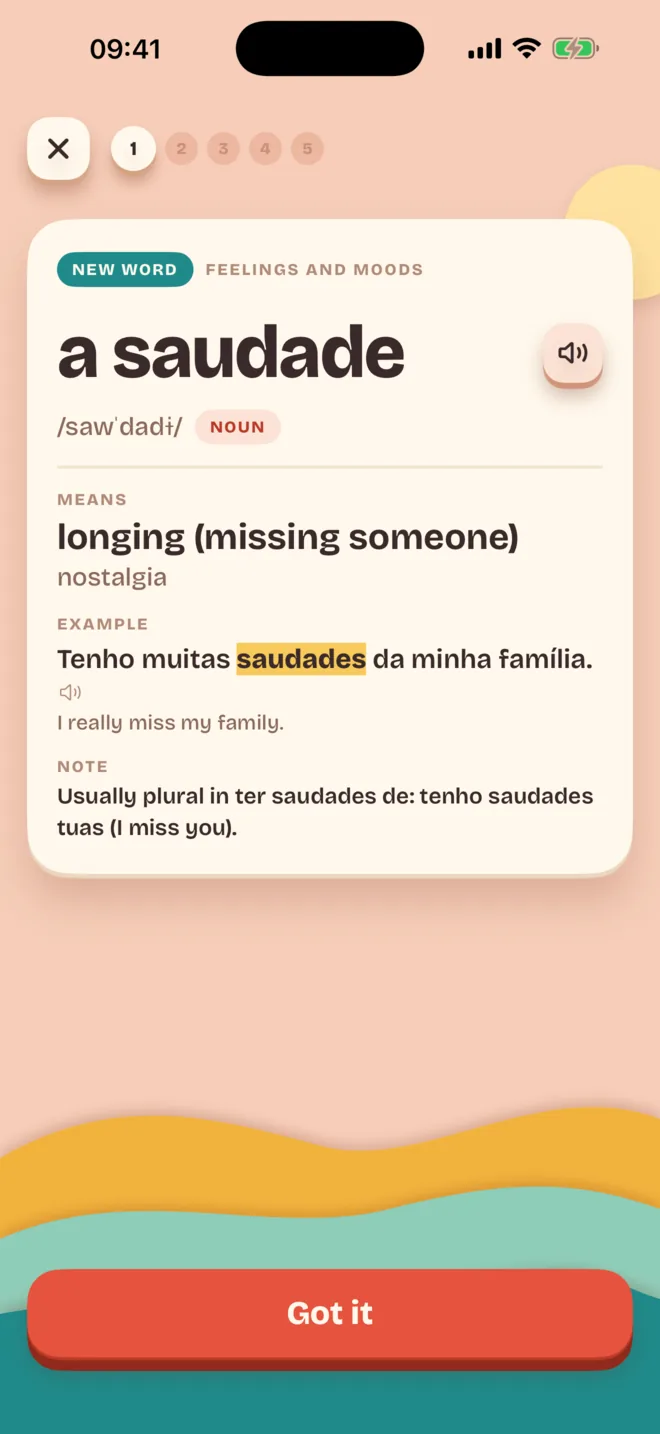
A new word: a saudade, longing, with an example sentence
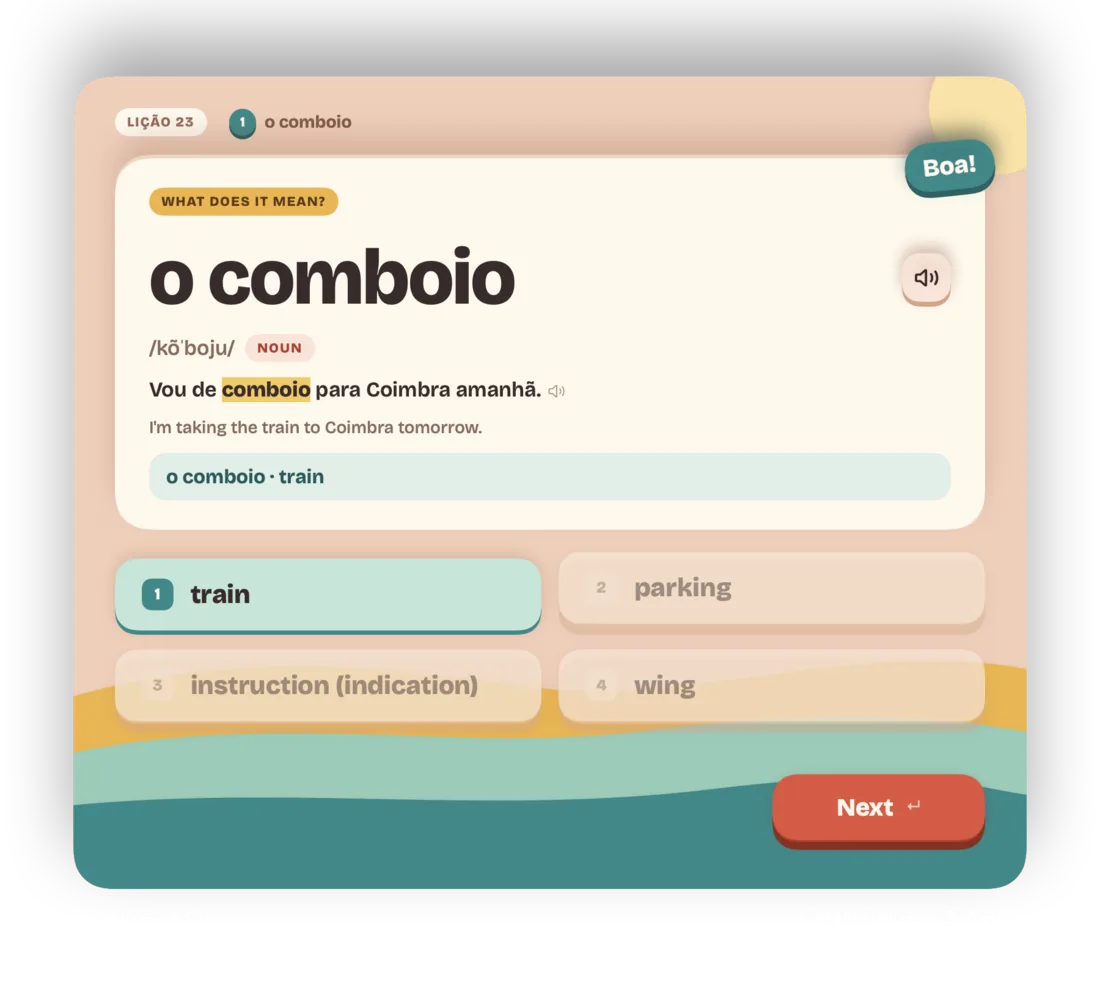
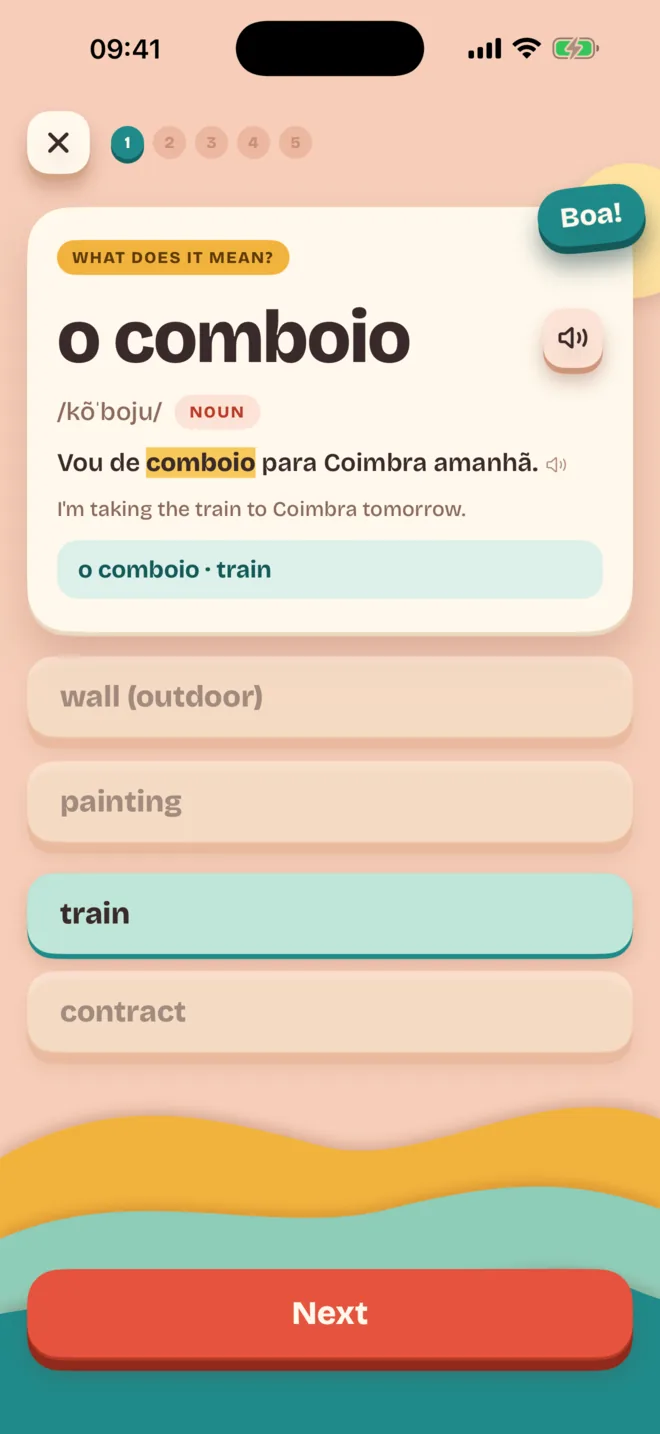
A quiz question: what does o comboio mean? Train.
What you learn

The words you'll actually meet.

  • Portuguese (European)
  • Spanish (Spain)
  • French (France)
  • 2,500 to 3,300 words per language, in order of how often you'll run into them.
  • Every word in a real sentence, with phonetic spelling and a voice.
  • Spaced repetition with FSRS, so a word comes back right before you'd forget it.
  • Questions grow with you. New words are multiple choice, later you fill gaps, listen and type them.
  • A placement check skips the words you already know.
Your pace

Five minutes a day, or forty.

Setup asks how much time you have, not for intervals. You also pick the days and hours it runs, so evenings can stay yours.

Used every day, Regular gets you to 750 words (A1) in about 100 days. Hardcore reaches 2,500 (B1) in about 115.

Pricing

Two weeks free, then your call.

Yearly

$12.99 a year

Starts with 14 days free. Cancel any time in your Apple Account settings.

Both cover iPhone and Mac. Prices are in US dollars; the App Store shows yours.

Private by design

  • No account
  • No ads
  • No analytics
  • No server

Your progress stays on your devices and in your own iCloud. Read the privacy policy.

Questions

What people ask first

What is Lockabulary?

Lockabulary is a vocabulary app for iPhone and Mac. It blocks your apps on iPhone and locks your screen on Mac until you answer a few words in European Portuguese, Spanish or French. It is made by Artur Witkowski, an independent developer.

Which languages does Lockabulary teach?

European Portuguese, Spanish as spoken in Spain and French as spoken in France, each taught from English. Every language has 2,500 to 3,300 of its most used words, in order of how often you meet them.

Does Lockabulary lock the whole Mac screen?

Yes. Lockabulary is a Mac menu bar app. A countdown in the menu bar gives you two minutes, then every display blurs and a short quiz opens, usually for under a minute. It waits during calls and in apps you mark. Force Quit, logging out and restarting keep working, and "Emergency exit…" closes a quiz with Touch ID or your Mac password.

How does Lockabulary block apps on iPhone?

Through Apple's Screen Time. You pick the apps, and after the minutes you choose in them a shield covers them until you answer a short quiz. You can pause the lock or turn it off in Settings.

How much does Lockabulary cost?

The download is free and everything works for 14 days. After that it is $12.99 a year or $19.99 once. Either one covers your iPhone and your Mac, with no account and no ads.

How is Lockabulary different from Duolingo, Anki, one sec or Opal?

Duolingo and Anki wait for you to open them. Lockabulary interrupts you and asks. one sec and Opal also block apps, but nothing is taught while you wait. Lockabulary does less than any of them. It teaches vocabulary in three languages, with no speaking practice and no full grammar course, so it works best next to a course.

How does the spaced repetition work?

Reviews follow FSRS, the spaced repetition algorithm Anki also uses. A new word comes back once after 25 minutes, then FSRS spaces the reviews across days so that you remember about 90% of them.

Is there an Android or Windows version of Lockabulary?

No. Lockabulary runs on iPhone with iOS 26 and on Mac with macOS 26, or later. An older Android project with the same name is unrelated.

Lockabulary 1.0 came out on 7 November 2026. This page was updated on 16 November 2026.
Help

Something not working?

Found a bug, or have an idea?

Write to contact@arturwitkowski.com. The quickest way is Settings › Feedback in the app: a bug report brings the app's log along, which helps a lot.

The lock on my iPhone doesn't start

Open Settings in Lockabulary and check three things: Screen Time access is allowed, at least one app is chosen under "Apps to lock", and the current time is inside your hours. "Test the lock" locks the chosen apps after 2 minutes of use, at any hour.

My progress isn't on my other device

Both devices need to be signed in to the same Apple Account with iCloud turned on. Progress syncs through your private iCloud database. "Sync now" in Settings asks for the latest right away.

I bought it on one device. What about the other?

Lockabulary is a single purchase for iPhone and Mac. On the second device, download it from the App Store with the same Apple Account, and "Restore purchase" in Settings picks it up.

How do I get out of a quiz on the Mac?

Answer the questions, or use "Emergency exit…" under the quiz. It asks for Touch ID or your Mac password and closes the quiz at once.